
Cohort 2 starts Mon 16 Nov · enrolment closes Fri 13 Nov · 21 days leftApply now →
GTME.School
GTME.School/Tool stack

The lab. Every tool on the bench, and the room that uses it.

Tools are the wrong unit for learning GTM engineering, so we teach them inside the machines they serve. This is the stack Sparq Labs runs for clients and the one you'll build on, organised by machine.

  • A cost sheet in week one, before you buy anything
  • Many students build on what their company already pays for
  • The stack changes; the template vault changes with it
Lab inventory
15tools across six machines
M1 · Sending infrastructure
3
M2 · List engine
4
M3 · Research agent
1
M4 · Copy & cadence
3
M5 · Reply & booking
3
M6 · Dashboard & attribution
dashboards
01The wiring diagram

How the stack connects.Left to right, one machine feeds the next.

Signals feed the list, the list feeds the agent, the agent feeds the copy, the sequencer sends, replies come back, and the dashboard tells you what to cut and what to scale.

M1Sending infrastructureInboxkitGoogle WorkspaceMicrosoft 365M2List engineClayApolloProspeoApifyM3Research agentClaudeM4Copy & cadenceEmailBisonSmartleadInstantlyM5Reply & bookingn8nHeyReachHubSpotM6DashboardSmartleadEmailBisonHubSpotClassroom · every build, clinic and Demo Day runs live on Zoom

Scroll sideways on a phone to see the whole diagram.

02By machine

What each tool does in class.

Product images come from each company's own site. We're not sponsored by any of them; we use them because they work on client accounts.

M1

Sending infrastructure

Email that lands. Domains, mailboxes, warm-up, limits.

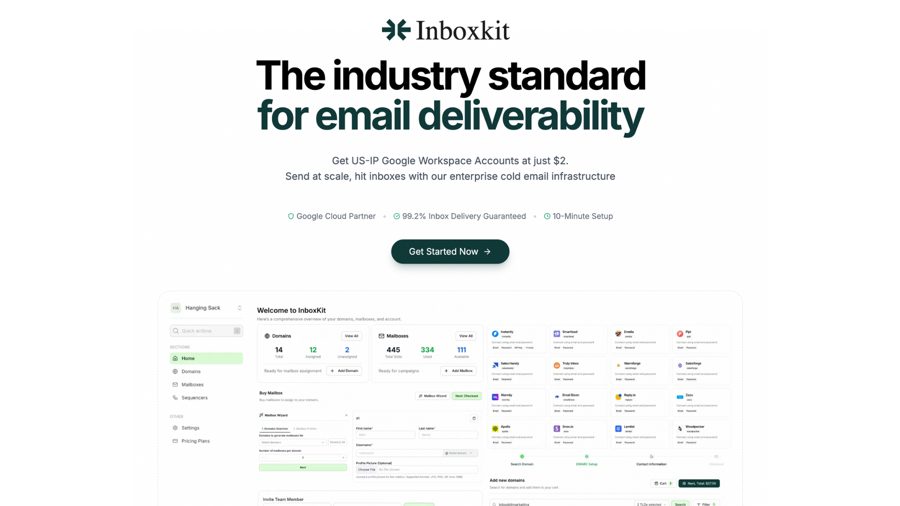
Inboxkit product image

Mailbox infrastructure for cold email: Google Workspace and Microsoft accounts on your own secondary domains.

How we use it · Week 1 sets up mailboxes here on secondary domains, with DNS records, warm-up and a cost sheet for your volume.

Google Workspaceworkspace.google.com ↗

Google mailboxes.

How we use it · Half of the Azure and Google split, so one provider's filters never decide your whole send.

Microsoft mailboxes.

How we use it · The other half of the split. Mailboxes are warmed for weeks before any cold send.

M2

List engine

ICP written as signals, cheap steps before AI credits.

Clay product image

The table where data providers, scrapers and AI steps run in one place.

How we use it · The core of M2: ICP as signals, an enrichment waterfall that runs cheap deterministic steps before a single AI credit, and tiers per account.

Apollo product image

A large contact and company database.

How we use it · The first pass on firmographics and contacts before the waterfall narrows the list.

Email finding and verification.

How we use it · A step in the waterfall to find and verify work emails, so bounces never touch your domains.

Apify product image

Ready-made scrapers and actors.

How we use it · Pulls signals that live on websites and job boards, like open SDR roles, into the Clay table.

M3

Research agent

A first line written from evidence, for every account.

Claude product image

Anthropic's AI model.

How we use it · The M3 research agent: it reads each account's evidence and writes a first line from it. We review twenty of its lines together before anything sends.

M4

Copy & cadence

Three plain-text steps by segment, tested against replies.

A sequencer built for sending at volume.

How we use it · Runs the three-step cadence across many mailboxes. Students in the community use it with Prospeo and Inboxkit.

Smartlead product image

A sequencer with unlimited mailboxes, warm-up and a master inbox.

How we use it · Inbox rotation, sending limits, and the dashboard we keep open during live builds.

Instantly product image

A sequencer with built-in warm-up.

How we use it · A simpler setup for smaller senders, and warm-up while new mailboxes age.

M5

Reply & booking

Replies answered in minutes; calls booked; LinkedIn alongside.

n8n product image

Workflow automation you can self-host.

How we use it · The glue in M5: classify replies, draft a first response, route positives to a human within minutes.

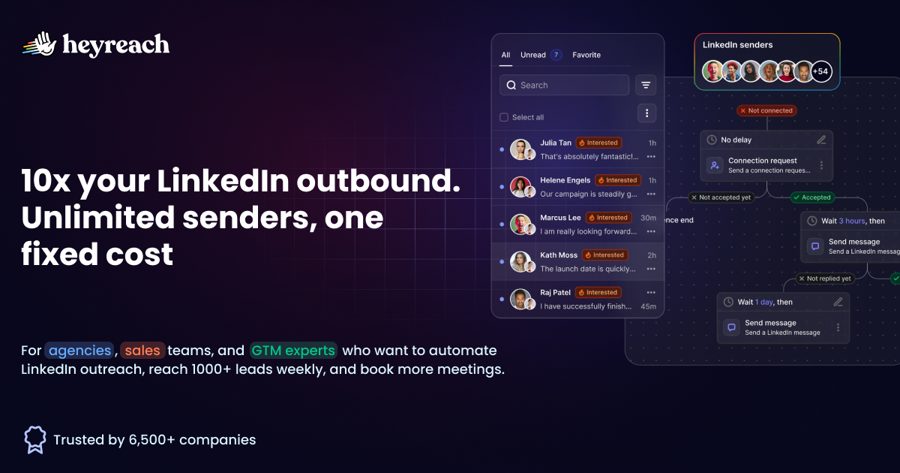
HeyReach product image

LinkedIn outreach across many sender accounts.

How we use it · The LinkedIn channel beside email, run without manual messages.

CRM.

How we use it · Where booked calls land, and where M6 reads attribution for the weekly scoreboard.

M6

Dashboard & attribution

The scoreboard someone senior actually reads.

The sequencer dashboard

No extra tool. M6 reads sent, replies and opportunities straight from the sequencer, and booked calls from the CRM.

How we use it · A weekly scoreboard: what to cut, what to double, which segment earned the next send.

CRM.

How we use it · Where booked calls land, and where M6 reads attribution for the weekly scoreboard.

03Before you buy a seat

Most leverage is in what you don't pay for.

Deliverability, list quality and reply speed decide more outcomes than any prompt. The AI steps are maybe a fifth of the work. Week one gives you a cost sheet for your own volume, and the waterfall order keeps the credit bill down.

See the two programmes →Read: the enrichment waterfall
M1

Secondary domains only

Never cold email from your main domain.

M2

Cheap steps first

Deterministic filters before a single AI credit.

M3

Evidence, then words

The agent writes only from what it found.

M5

Minutes, not days

Positive replies answered fast.